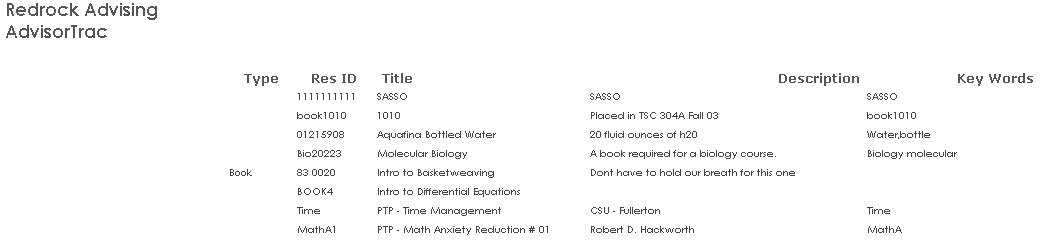
The Resource List displays a list of all the materials. The resources are organized by resource type, resource ID, title, description, and key words.
GENERATE THE REPORT
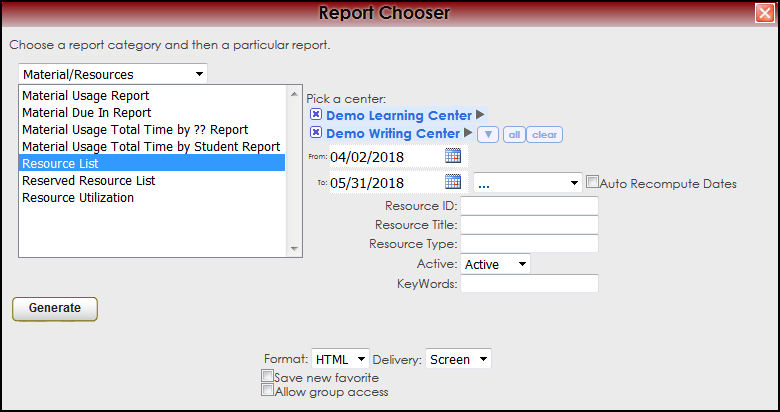
To generate the Resource List Report, click on Reports from the TutorTrac Main Menu. On the Reports Chooser, select Material/Resources from the pull down list of available categories. After selecting Material/Resources, choose Resource List. Choose center(s), and then enter a date range for the time period and the Resource ID, Title, or Type that you would like to review in the report. Then click on the Generate Report button.
|

